
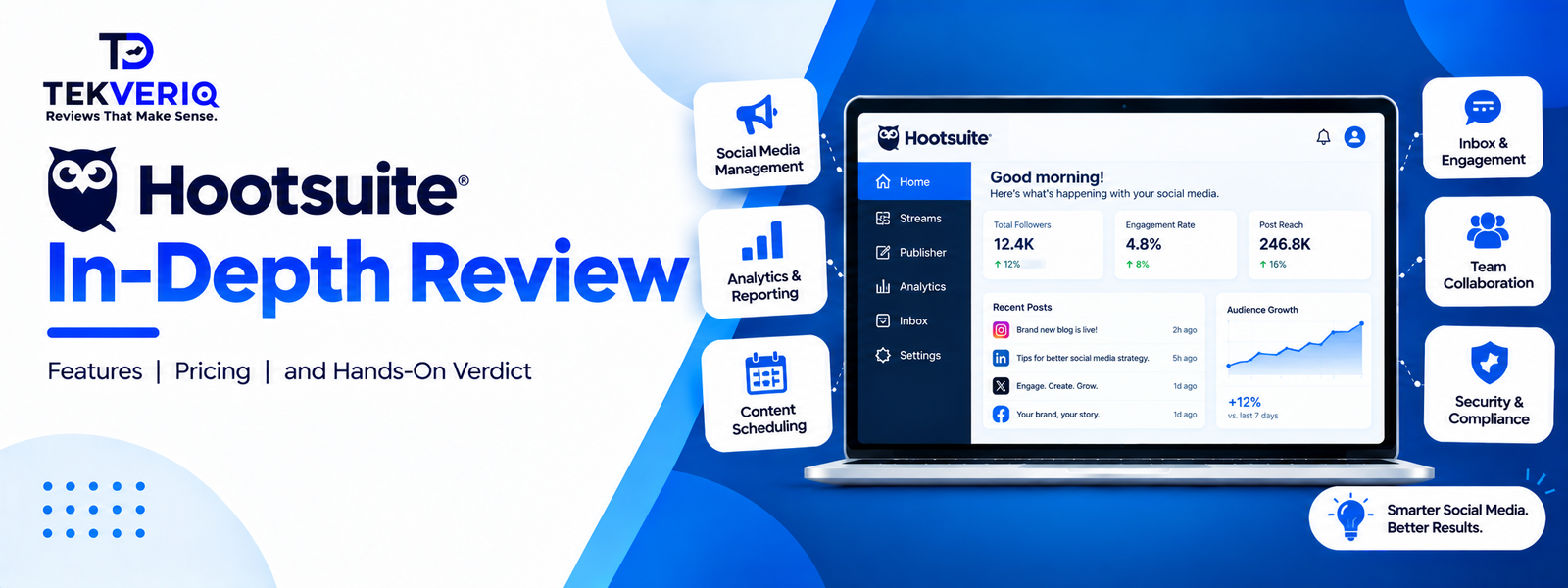
One of the first companies to manage social media was Hootsuite. It popularised the idea of using a single, column-based dashboard to manage several social networks when it was introduced in 2008. The platform evolved over time from a straightforward Twitter scheduling tool to an enterprise-level package that manages advanced social listening, cross-channel publishing, unified customer messaging, and team collaboration.
But the social media scene has changed significantly. Platforms give priority to influencer processes, social commerce, and short-form vertical video (Reels, TikTok, Shorts). In the meantime, Hootsuite has moved upmarket and phased out its previous free programs. In order to determine whether Hootsuite still merits its industry-standard reputation, this evaluation analyses its features, cost, practical advantages, and disadvantages.
1. Quick Verdict & Key Specifications
| Specification | Details |
|---|---|
| Product Name | Hootsuite |
| Primary Category | Multi-Platform Social Media Management & Brand Listening Suite |
| Best For | Mid-to-large marketing agencies, multi-brand corporate teams, and enterprise PR/communications departments |
| Starting Price | $99/user/month (Standard plan, billed annually) |
| Key Standout Tech | Multi-column customizable live Streams, Talkwalker-powered enterprise social listening, CSV bulk scheduling, and OwlyWriter AI caption generation |
| Platform Compatibility | Web dashboard, iOS app, Android app, and Chrome/browser extensions |
| Supported Channels | Facebook, Instagram, LinkedIn, X (Twitter), TikTok, Pinterest, YouTube, Threads |
| TekveriQ Rating | 4.3 / 5 ⭐⭐⭐⭐ |
2. Hootsuite’s Dashboard and Features
Hootsuite organizes its core operations into several functional modules:
1. Unified Publishing & Calendar Planner
With Hootsuite, content teams may create a single post, see how it appears on all networks, and tailor text or media to each channel (e.g., by changing aspect ratios or tagging particular platform handles).
- Calendar: Daily, weekly, and monthly summaries are provided by an interactive drag-and-drop calendar.
- Bulk Scheduling: Using a structured CSV spreadsheet, content teams can upload dozens of posts at once.
- OwlyWriter AI: An integrated AI assistant helps with creating captions based on personalised suggestions, rewording evergreen content, and coming up with post ideas.
2. Streams (Real-Time Monitoring)
The “Streams” tab is still the iconic design of Hootsuite. Feeds are arranged side by side in horizontal columns. On a single page, users may monitor published posts, rival accounts, particular hashtags, incoming brand mentions, and industry keywords. Because of this, Hootsuite is particularly useful for PR tracking, crisis management, and live event monitoring.
3. Unified Social Inbox
Direct messages, comments, and public interactions from linked profiles are combined into a single queue by the Inbox. Teams can add tags, allocate threads to specific coworkers, and monitor the status of message resolution on higher-tier plans to prevent repeated client responses.
4. Analytics & Social Listening
Hootsuite offers customisable report templates that monitor impressions, follower growth, post-level engagement, and the best times to post. After acquiring Talkwalker, the platform now provides extensive enterprise listening features that look for brand sentiment and competitive benchmarking by scanning forums, blogs, and news sites in addition to social media.
3. Hootsuite Pricing and Plans
Hootsuite operates primarily on an annual subscription billing model:
| Plan | Base Price (Billed Annually) | Users Included | Account Limit | Core Focus |
|---|---|---|---|---|
| Standard | $99 / user / month | 1 | Up to 10 accounts | Basic cross-posting, calendar scheduling, single-user inbox |
| Professional | $199 / user / month | 1+ | Unlimited accounts | Custom reporting, automated inbox triggers, trend insights |
| Advanced | $399 / user / month | 1+ | Unlimited accounts | Team approval workflows, role permissions, routing |
| Enterprise | Custom quote | Custom (5+) | Unlimited accounts | Single sign-on (SSO), advanced listening, SLA support |
Note: Per-user pricing means adding team members causes costs to scale rapidly (e.g., three users on Advanced costs ~$1,197/month).
4. Pros and Cons
Pros
- Multi-Channel Breadth: Eight main social channels are supported natively in a single, central hub.
- Streams Layout: Real-time monitoring and social listening are provided by the adjustable, side-by-side stream view.
- Bulk Scheduling: Using CSV, high-volume teams can import and queue months’ worth of content.
- Enterprise Collaboration: Unauthorised publishing is prevented via audit logs, draft approval criteria, and tiered role permissions.
- App Directory: A vast network of integrations with programs like Dropbox, Google Drive, Canva, and CRM System.
Cons
- High Entry Cost: Casual producers and very tiny enterprises are priced out due to the $99 monthly registration fee and lack of a permanent free tier.
- Per-Seat Multipliers: Higher-priced tiers are needed for essential collaboration capabilities like draft approvals, which quickly compounds monthly software expenditures.
- Periodic Account Re-Authentication: Intermittent API disconnections that necessitate manual re-linking are commonly reported by users.
- Vertical Video Workflows: Compared to visual-first scheduling platforms, media-heavy publishing (like TikToks and Instagram Reels) can feel more cumbersome.
5. Hootsuite’s Alternatives
- Buffer: Ideal for independent artists and freelancers. Flat per-channel price (~$6/channel/month) and a clear free tier are features of this straightforward UI.
- Sprout Social: The best option for businesses looking for premium social CRM and customer support. Provides better inbox workflows, albeit at a higher cost.
- Later: Ideal for creator, e-commerce, and graphic brands. Includes powerful Instagram/TikTok publishing capabilities and visual media grid planners.
- SocialPilot / Metricool: For small marketing teams and expanding organisations looking for limitless scheduling and multi-seat subscriptions without expensive per-user fees, SocialPilot and Metricool offer the best value.
6. Third-Party Platform Rating
Aggregate user satisfaction scores from major software review platforms:
| Review Platform | Verified Rating | Total Reviews Analyzed | Key User Highlights |
|---|---|---|---|
| G2 | 4.3 / 5 ★ | 7,400+ Reviews | Consistently praised for multi-platform scheduling efficiency, bulk CSV uploads, and centralized account management; users cite recurring friction with plan pricing tiers and unexpected social account disconnections. |
| Capterra | 4.4 / 5 ★ | 3,800+ Reviews | Highly rated for content calendar organization and comprehensive post-performance reporting; reviewers frequently note high entry costs for small businesses and spotty customer support responsiveness. |
| TrustRadius | 8.3 / 10 ★ | 1,200+ Reviews | Recognized for its signature column-based “Streams” view and multi-client monitoring; common critiques focus on limited vertical video optimization, token re-authentication bugs, and steep per-seat price jumps. |
- What users praise: Centralized management, reporting capabilities, reliable scheduled delivery, and time saved across large profile networks.
- What users criticize: Sudden price jumps over recent renewal cycles, per-seat licensing friction, clunky mobile apps, and customer service response times.
7. Final Verdict
TEKVERIQ Final Score = 4.3 / 5
Hootsuite is no longer the automatic default for everyone managing social media, but it remains a capable management platform for structured teams.
If your organization manages 10+ accounts across multiple platforms, relies heavily on column-style live monitoring, and requires rigid draft approval pipelines, Hootsuite provides the necessary control and infrastructure. However, if your team is lean, visual-first, or looking to maximize ROI per seat, lighter alternatives like Buffer, SocialPilot, or Later deliver the necessary scheduling tools at a fraction of the cost.