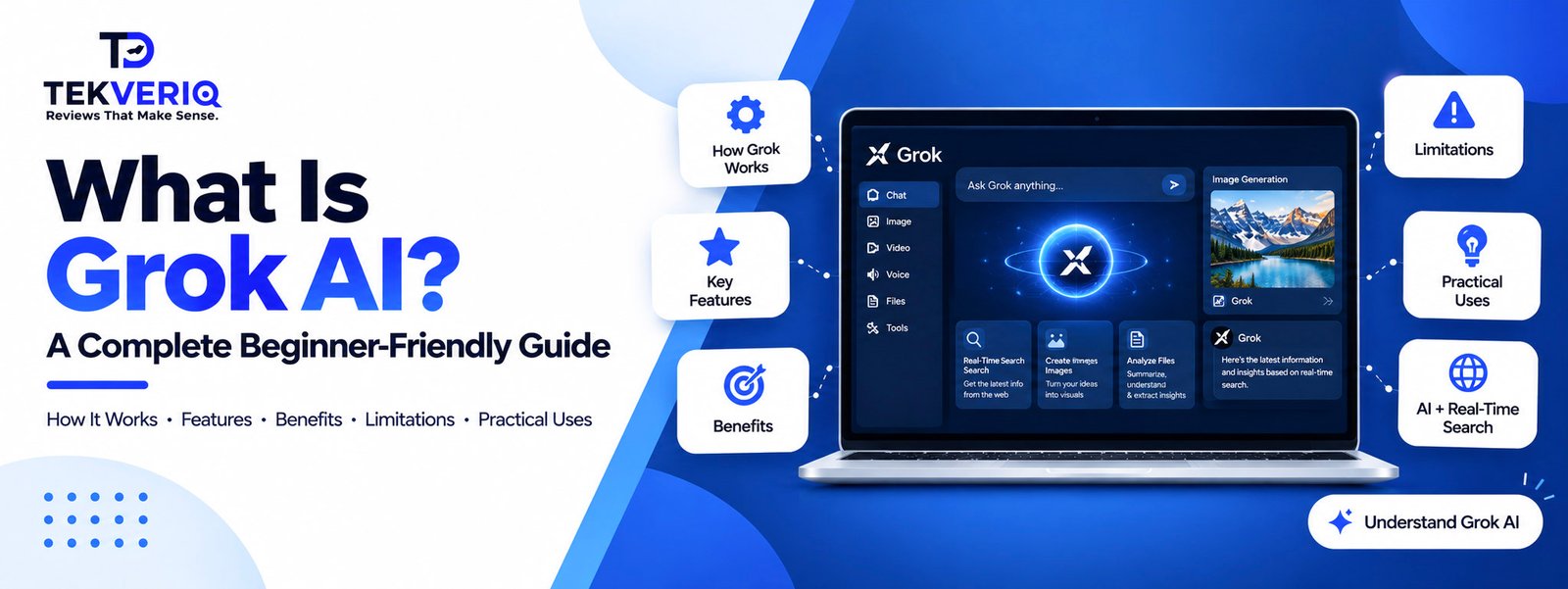
Artificial intelligence is drastically altering how individuals find information, produce content, solve issues, and automate routine jobs. Grok AI has drawn a lot of interest among the increasing number of AI assistants because of its conversational abilities, real-time information access, and X platform integration.
However, what is Grok AI, how does it operate, and what are its practical applications?
We’ll explain what Grok AI is, how it functions, its main features, typical use cases, benefits, drawbacks, and how it stacks up against other well-known AI assistants in this approachable guide.
1. Grok AI: What Is It?
Elon Musk’s artificial intelligence startup, xAI, created the generative AI helper Grok AI. Grok helps users with tasks like research, writing, scripting, brainstorming, summarizing, and analysis by comprehending natural-language queries and producing answers.
Grok’s affiliation with the X ecosystem, which offers access to current discussions and information circulating on the platform, is one of its unique features. Because of this, Grok is especially helpful when people wish to investigate current issues and conversations.
Grok AI, like other contemporary AI assistants, is able to comprehend prompts and produce responses based on patterns it has learned during training, as well as the data it has access to through supported features and tools.
2. How Does Grok AI Work?
Large language models (LLMs) power Grok. These models can produce replies that are similar to those of humans because they are trained on vast amounts of data and discover statistical patterns in language.
Grok goes through a number of phases at a high level:
1. The user inputs a prompt
When you give Grok instructions or pose a query, the procedure begins.
For instance:
“Give a brief explanation of artificial intelligence.
2. Grok Handles the Request
The AI determines what kind of response is needed by examining the prompt’s wording, context, and intent.
3. The AI Produces an Answer
Grok produces a response based on the capabilities of its model and, if necessary, more data or tools at its disposal.
4. The User May Proceed with the Discussion
Grok is conversational, so you don’t have to repeat the whole context in order to ask follow-up questions.
For example:
- User: What is machine learning?
- Grok: Provides an explanation.
- User: Give me a simple example.
- Grok: Provides an example based on the previous conversation.
This conversational approach makes AI assistants easier for beginners to use.
3. Key Features of Grok AI
Grok offers several capabilities that make it useful for individuals, professionals, developers, and businesses.
1. Conversational AI
Grok is able to comprehend questions in natural language and provide conversational answers.
Complex technical directives are not always necessary. You can use everyday language to explain what you need.
For instance, you may inquire:
- Describe blockchain to a novice.
- Write a synopsis of this article.
- Give me ideas for a cybersecurity blog.
- Please explain this programming mistake to me.
- Make a small business marketing strategy.
2. Real-Time Information
Grok’s integration with the X platform and its capacity to work with up-to-date data in supported experiences are two of its noteworthy features.
When doing research, this can be helpful:
- Current affairs
- Online conversations
- Popular subjects
- Public discussions
- Unprecedented developments
However, because AI-generated responses may contain errors or lack context, users should still double-check crucial facts.
3. Coding Assistance
Grok can help developers with a range of tasks linked to programming.
For instance, it can assist with:
- Coding
- Code explanation
- Error debugging
- Creating functions
- Comprehending APIs
- Making SQL queries
- Acquiring knowledge of programming concepts
An error notice may be sent by a developer, who could then ask Grok to clarify the possible cause.
4. Content Creation
Grok can help users generate different types of written content.
Potential applications include:
- Blog posts
- Social media posts
- Email drafts
- Product descriptions
- Marketing copy
- Headlines
- Content outlines
- Creative writing
Users can specify a topic and request that Grok produce an initial draft rather than beginning with a blank page.
5. Summarization
It can be challenging to process lengthy amounts of information manually. AI assistants can assist in condensing information into brief explanations.
Users might want Grok to, for instance:
- Write a summary of an article
- Identify the main points
- Simplify technical details
- Make notes for the meeting
- Describe a difficult idea
The information supplied and the particular features of the Grok version being utilized have a significant impact on the quality of the summary.
6. Reasoning and Problem Solving
Modern versions of Grok are designed to handle increasingly complex reasoning tasks.
Users can use AI assistance for:
- Logical problems
- Research questions
- Mathematical tasks
- Business brainstorming
- Technical analysis
- Decision-support research
For important decisions, however, AI output should be treated as assistance rather than an unquestionable source of truth.
7. Image and Multimodal Capabilities
Grok can work with more than just text, depending on the version and functionality that are accessible.
Multimodal AI systems are capable of processing various kinds of data, including images, and they can assist with tasks that require visual production or comprehension.
This broadens the range of possible uses beyond conventional text-based communication.
4. What Can You Use Grok AI For?
Grok can be used across many personal and professional workflows.
1. For Students
Students can use AI assistants to:
- Understand difficult subjects
- Generate study questions
- Summarize learning material
- Brainstorm project ideas
- Practice explanations
AI should support learning rather than replace independent study or academic requirements.
2. For Content Creators
Content creators can use Grok to brainstorm:
- YouTube topics
- Blog ideas
- Social media posts
- Video scripts
- Headlines
- Content calendars
For example, a creator working on a technology website could ask Grok for 20 article ideas about emerging AI tools.
3. For Marketers
Marketing professionals can use Grok for:
- Campaign brainstorming
- Audience research
- Content ideas
- Ad copy drafts
- Social media planning
- Competitor research
- Email copy
AI-generated marketing content should be reviewed and adapted to match the company’s brand and audience.
4. For Developers
Developers can use Grok as a coding assistant for:
- Debugging
- Code generation
- Documentation
- Technical explanations
- Architecture brainstorming
- Query generation
Developers should always test generated code before using it in production environments.
5. For Businesses
Businesses can explore AI assistants for:
- Internal research
- Customer-support drafts
- Content creation
- Data interpretation
- Brainstorming
- Documentation
- Productivity workflows
The appropriate use depends on the organization’s data-security, compliance, and workflow requirements.
5. Is Grok AI Free?
Depending on the access mode, account type, subscription, area, and current product offering, Grok’s features and availability may change.
Some users may be able to use certain features without having to pay, whereas other features might only be available with paid plans or certain X subscriptions.
Before subscribing, consumers should check xAI’s current official information because AI products constantly modify their pricing and feature availability.
6. Advantages of Grok AI
Grok can provide a number of practical benefits.
- Simple Conversational Communication
Instead of memorizing complex commands, users can converse with Grok using plain language.
- Availability of Current Conversations
It can be helpful for examining current online discussions and trends because of its connection to the X platform.
- Wide Variety of Tasks
Writing, research, coding, brainstorming, summarizing, and other tasks can all be aided by Grok.
- Beneficial to Developers
It can be helpful as an extra development assistant because of its coding and thinking skills.
- Quick Idea Generation
It can be used by marketers, content producers, and business experts to produce ideas and create content fast.
7. Limitations of Grok AI
Grok is not flawless despite its talents.
- AI Is Capable of Errors
AI models may produce false or deceptive data. Users should use reputable primary or authoritative sources to confirm significant assertions.
- Verification of Current Information Is Still Needed
Having access to up-to-date information does not ensure that every response is precise or comprehensive.
- Privacy Issues
Before submitting sensitive data, proprietary documents, private company information, or personal information, users should be aware of how their prompts and data are handled.
- The Prompt Determines the Output Quality
A generic response could result from an ambiguous prompt. Results are typically more beneficial when context, objectives, limitations, and examples are provided.
8. How to Write Better Prompts for Grok
The quality of an AI response often depends on how clearly the request is written.
Instead of asking:
“Write an article about SEO.”
Try:
“Write a 1,500-word beginner-friendly article about SEO for small businesses. Use H2 and H3 headings, include practical examples, and maintain a professional tone.”
A good prompt can include:
- Role – Tell the AI what perspective to take.
- Task – Clearly explain what you want.
- Context – Provide relevant background.
- Format – Specify the desired structure.
- Audience – Explain who will read the output.
- Constraints – Mention length, tone, or requirements.
9. Is Grok AI Worth Using?
For those who need assistance with research, content production, coding, brainstorming, and conversational knowledge discovery, Grok can be a helpful AI helper.
For users who regularly monitor conversations and trends on that site, its link to the X ecosystem is especially pertinent.
However, each person’s needs determine which AI tool is best. Think about things like these before selecting an AI assistant:
- Features
- Pricing
- Accuracy
- Current-information access
- Integrations
- Privacy
- Coding capabilities
- Content-generation needs
- Business requirements
10. Final Thoughts
The quickly developing class of conversational AI aides includes Grok AI. It was created by xAI and combines language-model capabilities with tools to assist users in conducting research, creating content, solving issues, writing code, and examining current online conversations.
The simplest way for new users to comprehend Grok is to consider it a conversational assistant driven by AI that can aid with a variety of information and productivity activities.
Grok and other AI helpers will probably be included more and more in routine labor, research, content production, software development, and commercial workflows as AI technology advances.